Fewer missing-document chases
Clients can bring in receipts and invoices by phone, file upload, or supported Gmail attachment capture throughout the year.
AI receipt, invoice and expense scanner.
FOR CPAS
Scan-Pap helps small-business clients organize receipts, invoices, bills, checks, payment proof, and bank statement support before the records reach CPA review.
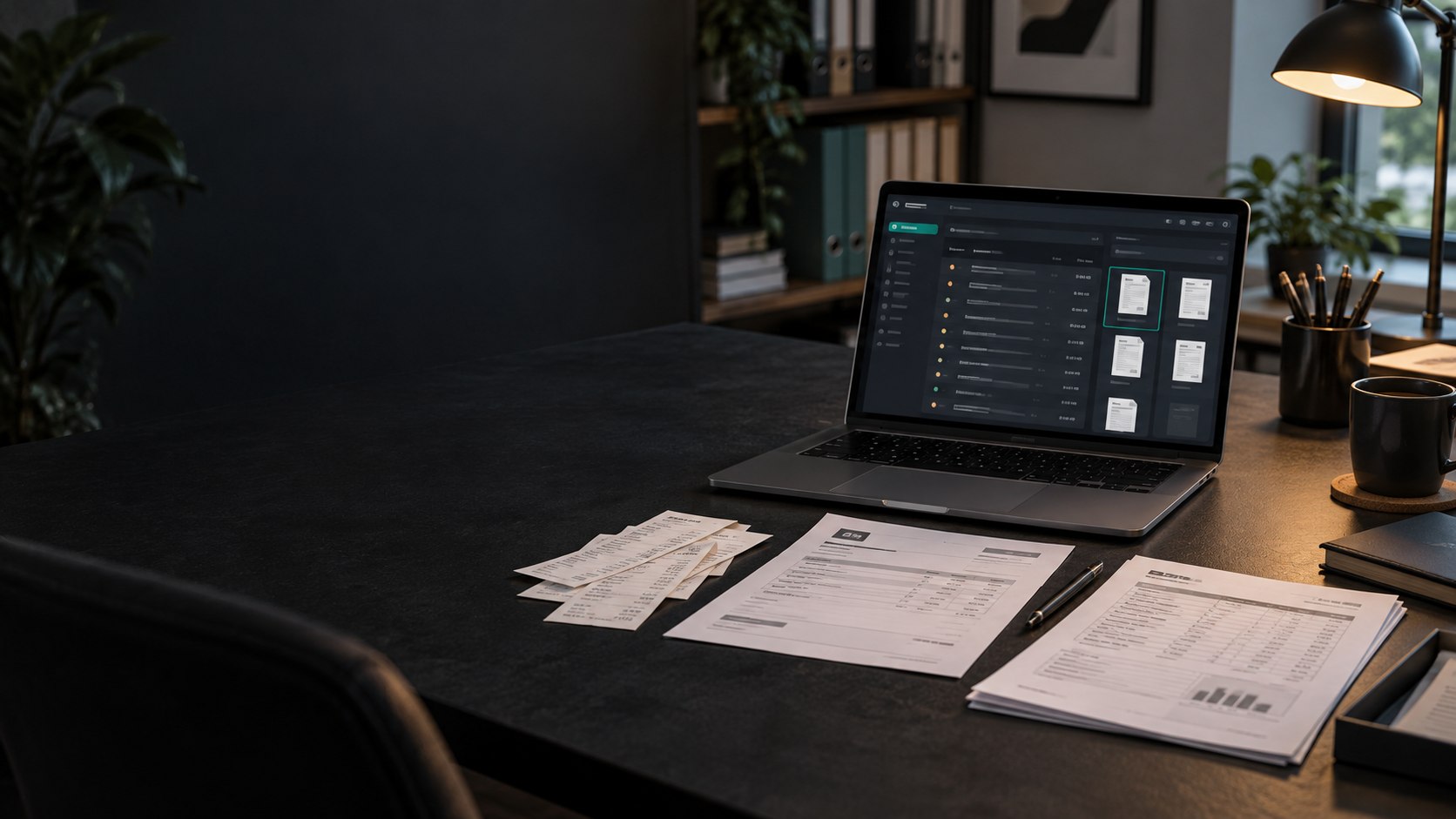
Clients can bring in receipts and invoices by phone, file upload, or supported Gmail attachment capture throughout the year.
Extracted amounts, dates, vendors, categories, and tax years stay reviewable before they become saved transactions.
Source files remain attached so a transaction can be traced back to the receipt, invoice, bill, check, or payment proof.
Review imported bank rows, identify transactions that need support, attach saved documents, or mark proof that is not needed.
Create filtered PDF or Excel reports and accounting-ready CSV exports for downstream review and import mapping.
Keep documents, transactions, reports, and statement activity organized by customer instead of mixing client paperwork.
Scan-Pap reduces data entry and document searching while preserving human approval and professional accounting judgment.
It helps clients collect financial documents, review extracted fields, and keep source proof attached before CPA review.
Yes. Scan-Pap includes PDF, Excel, and accounting-ready CSV workflows for reviewed records.
No. It organizes documents and extracted records while keeping human review in the workflow.