One document workflow
Accept phone captures, file uploads, bank statements, and selected Gmail attachments instead of sorting several inboxes.
AI receipt, invoice and expense scanner.
FOR BOOKKEEPERS
Capture receipts, invoices, bills, payment proof, and bank statements by customer. Review the extracted fields and keep the original document connected to each record.
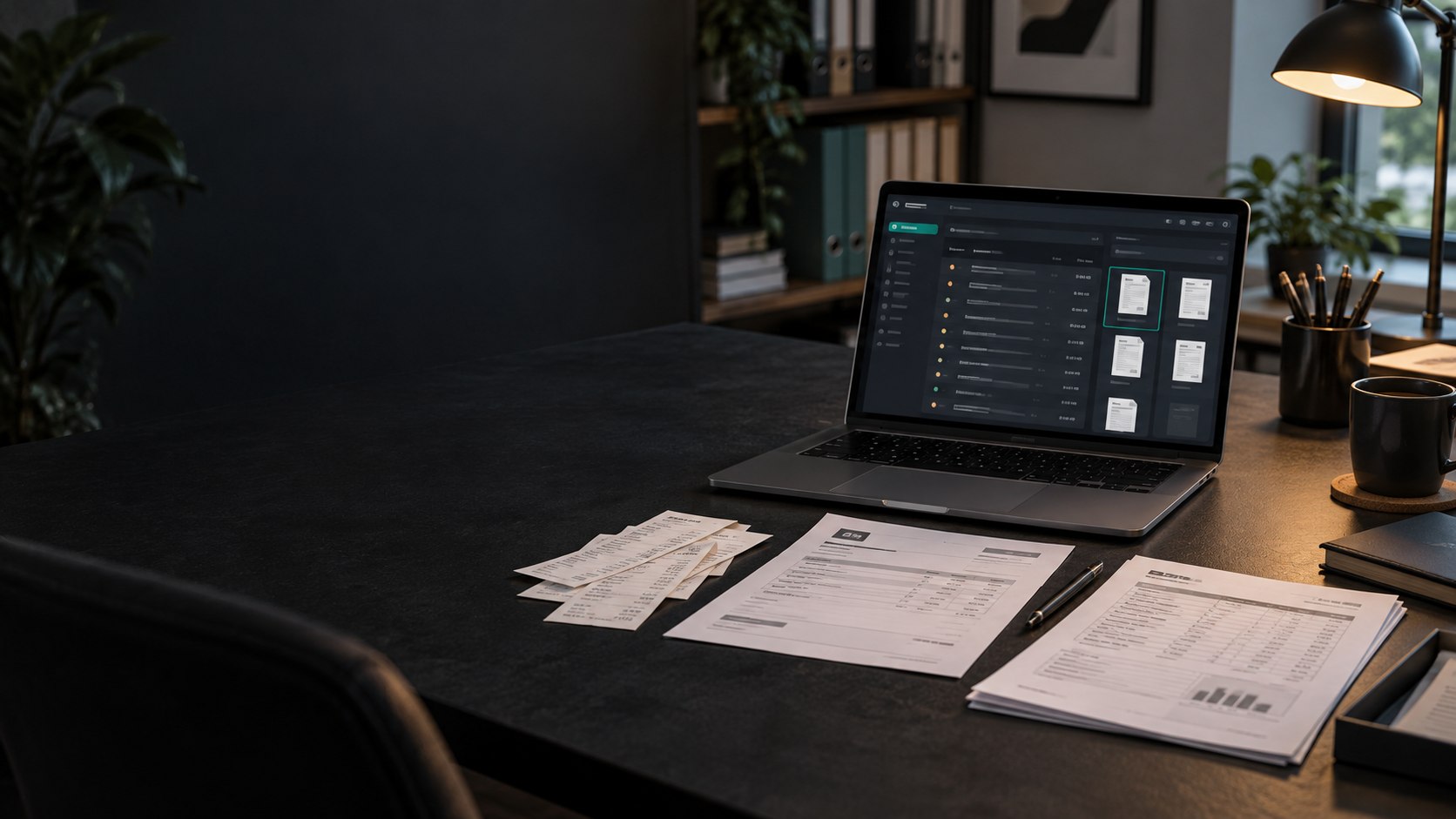
Accept phone captures, file uploads, bank statements, and selected Gmail attachments instead of sorting several inboxes.
Confirm vendor, date, amount, category, tax year, and line items before saving the transaction.
Open the source document from the saved transaction when a client, accountant, or CPA asks for support.
Keep each client's documents, transactions, reports, statement rows, and review workload organized in the correct customer record.
Radar summarizes pending receipts, orphan scans, and bank statement rows that still need supporting documents or a review decision.
Attach an uploaded document or saved transaction to a bank row and review the amount, date, and vendor comparison.
Create filtered PDF or Excel reports and accounting-ready CSV exports for reconciliation, import mapping, and CPA handoff.
It extracts common transaction fields from receipts and invoices, then presents them for human review instead of requiring every field to be retyped.
Yes. Documents, transactions, bank statements, reports, and workload indicators are organized by customer.
Yes. Scan-Pap supports filtered PDF and Excel reports plus accounting-ready CSV exports.