PDFs, images, and Gmail
Upload invoices from files or use the Chrome extension to select supported attachments from an open Gmail message.
AI receipt, invoice and expense scanner.
AI INVOICE SCANNER
Upload invoice PDFs and images or send supported Gmail attachments to Pending Review. Confirm the extracted fields before the invoice becomes a transaction.
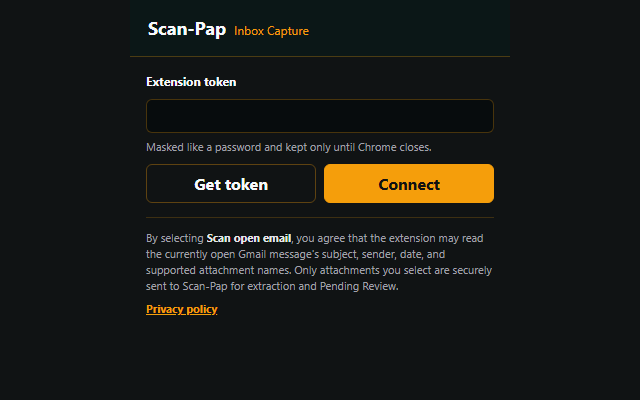
Upload invoices from files or use the Chrome extension to select supported attachments from an open Gmail message.
Read vendor, date, amount, tax, transaction type, confidence context, and available line items.
Confirm the customer, category, date, and amount while the original invoice remains available for comparison.
| Vendor | Vendor Services LLC |
|---|---|
| Date | Sep 12, 2026 |
| Category | Professional services |
| Total | $519.60 |
| Source | Invoice PDF attached |
Yes. Scan-Pap supports invoice PDFs, images, phone scans, and supported Gmail attachments.
Scan-Pap can help extract vendor or payee, invoice date, amount, tax, line items, transaction type, and confidence details.
No. Extracted fields wait for review so the user can confirm or correct the transaction first.