Review before QuickBooks
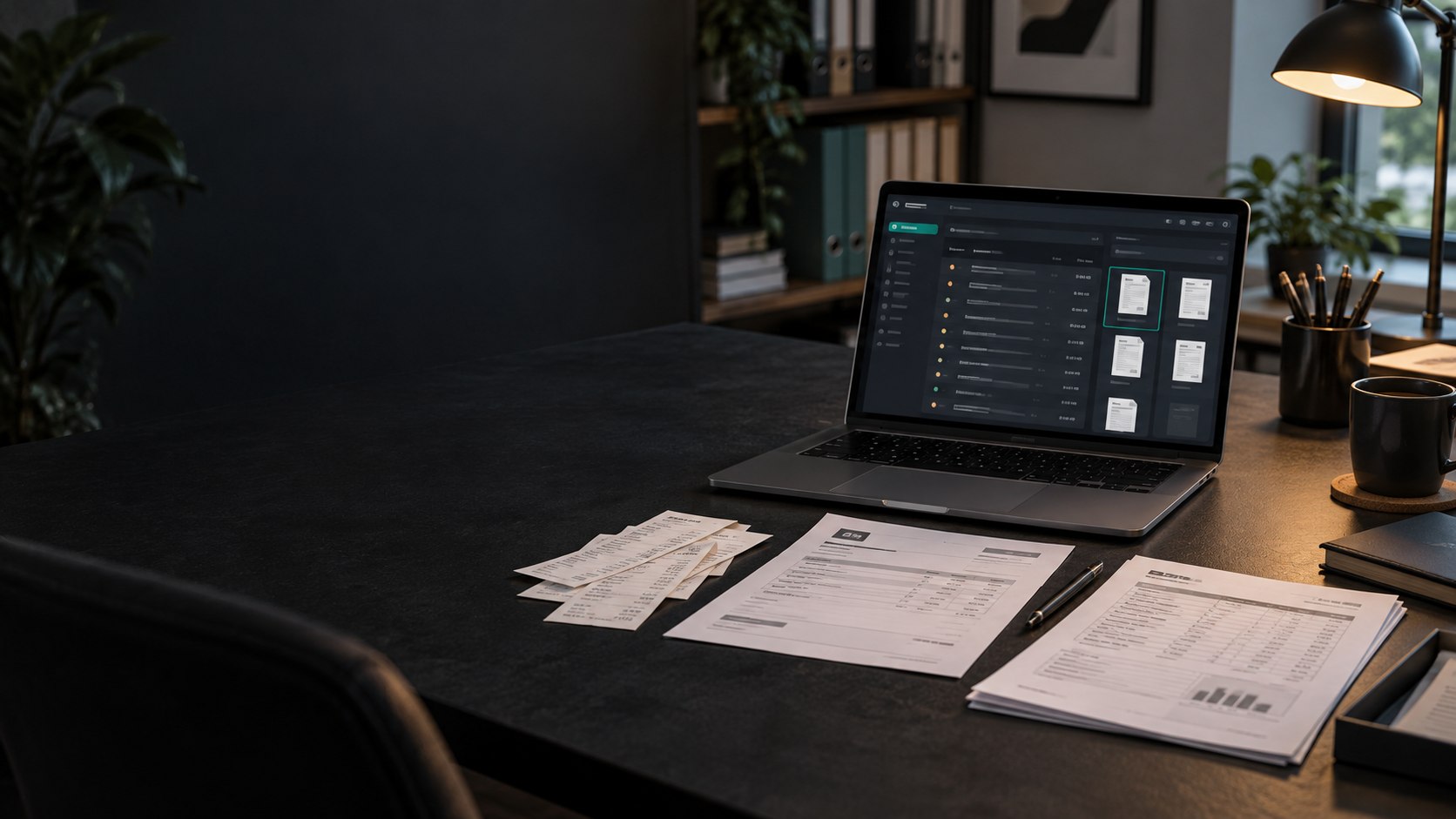
Extracted data does not bypass review. You choose which completed expense transactions are sent to the connected company.
AI receipt, invoice and expense scanner.
QUICKBOOKS ONLINE INTEGRATION
Capture receipts and vendor invoices, review the extracted expense details, and send selected transactions to QuickBooks Online as purchases. Scan-Pap attaches the original source document when it is available.
QUICKBOOKS RECEIPT AUTOMATION
Scan-Pap automates the repetitive movement of reviewed expense data while leaving approval, company selection, and account mapping in your control.
Extracted data does not bypass review. You choose which completed expense transactions are sent to the connected company.
Map Scan-Pap expense categories to the accounts already used by the connected QuickBooks company and select the bank or credit-card payment account.
When the Scan-Pap transaction has a source file, the integration uploads that document and links it to the newly created QuickBooks purchase.
| Customer | Harbor Office Co. |
|---|---|
| Vendor | Office Supply Store |
| Category | Office expense |
| Payment | Visa |
| Total | $248.60 |
| Transaction | Purchase |
|---|---|
| Company | Connected customer company |
| Expense account | Mapped QuickBooks account |
| Payment account | Selected QuickBooks account |
| Attachment | Source receipt, when available |
Each Scan-Pap customer connects to a distinct QuickBooks company. The company identity comes from QuickBooks during authorization, which helps prevent expenses from being sent into the wrong books.
The current integration creates QuickBooks purchases from reviewed expense transactions. It does not create sales invoices, customer invoices, or QuickBooks bills.
Yes. Authorize the QuickBooks company for a Scan-Pap customer, select a payment account, and map Scan-Pap expense categories before sending transactions.
Selected reviewed expense transactions are created as QuickBooks purchases with the vendor, date, amount, mapped expense account, and selected bank or credit-card payment account.
Yes. When a source document is available, Scan-Pap uploads it and attaches it to the QuickBooks purchase created by the export.
Yes. Vendor invoice and bill documents can be captured and reviewed as expenses, then sent as QuickBooks purchases. The current integration does not create sales invoices or QuickBooks bills.
The category used by an expense must be mapped before that transaction can be sent. Scan-Pap identifies a missing mapping before export so you can complete it first.